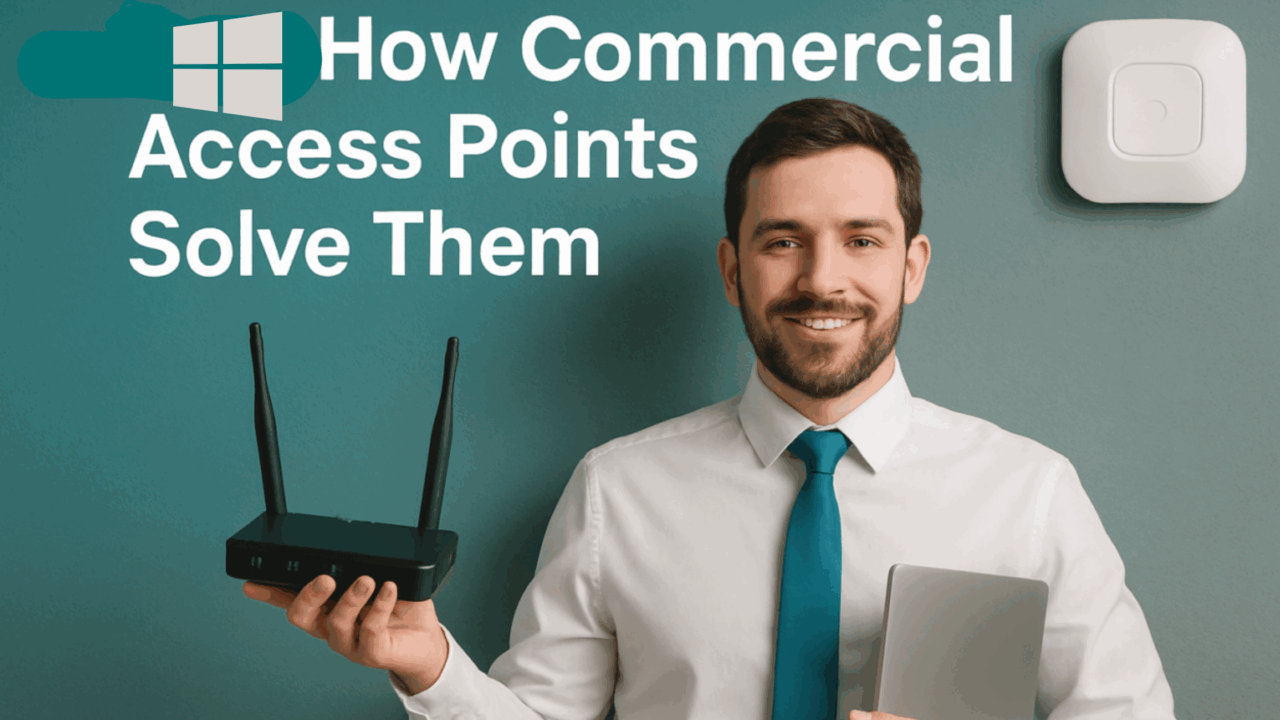
In today’s digital-first workplace, reliable internet is no longer a luxury—it’s the backbone of business operations. But if your office Wi-Fi keeps dropping, slows to a crawl, or struggles to cover your space evenly, you’re not alone. Many office buildings across New Jersey, Pennsylvania, and the Tri-State area deal with recurring Wi-Fi issues that impact productivity, security, and connectivity.
In this post, we’ll cover the most common commercial Wi-Fi problems and explain how commercial access points (APs) can solve them efficiently—whether you’re operating a small office, a retail store, or a large corporate building.
1. Dead Zones: When Your Signal Disappears
Problem:
Dead zones are areas in your office where Wi-Fi signals simply vanish. Thick walls, elevator shafts, metal infrastructure, and long distances from the router can all disrupt signal strength.
Solution:
Commercial-grade access points are built to deliver strong, consistent coverage across large areas. By strategically placing APs throughout your building—especially in known trouble spots—your network can eliminate dead zones and maintain seamless connectivity across every floor and corner.
Pro Tip: SEH Security offers expert heatmapping to identify signal weak spots and design optimal AP placement in your building.
2. Slow Internet Speeds in High-Density Areas
Problem:
Wi-Fi slows down dramatically when too many devices connect to a single router or access point. In conference rooms, open offices, or shared workspaces, multiple employees accessing cloud-based apps, video calls, and large files can bog down your network.
Solution:
High-capacity access points are designed to support dozens—even hundreds—of simultaneous connections without sacrificing speed. They intelligently manage bandwidth, prioritize traffic, and ensure each user gets the performance they need.
Need faster internet in your meeting rooms or shared spaces? Ask SEH Security about scalable, multi-AP networks that grow with your business.
3. Security Risks from Outdated Wi-Fi Networks
Problem:
Outdated routers or poorly configured networks can expose your business to serious cybersecurity threats. Unauthorized users might tap into your network, monitor traffic, or even access sensitive data—especially if encryption is weak or missing.
Solution:
Commercial APs come with enterprise-grade security features, including:
- WPA3 encryption
- Network segmentation
- Role-based access controls
- User authentication portals
These tools keep your network protected from intrusions and maintain compliance with industry-specific regulations like HIPAA, PCI-DSS, and more.
Concerned about Wi-Fi security? Schedule a consultation with SEH Security to audit and upgrade your system.
4. Wi-Fi Interference from Devices and Nearby Networks
Problem:
Microwaves, cordless phones, Bluetooth devices, and neighboring networks can interfere with your Wi-Fi signal—especially in densely packed office buildings.
Solution:
Advanced access points use dual-band (2.4GHz and 5GHz) and tri-band radios to dynamically switch channels, minimizing interference. Additionally, beamforming technology helps focus the signal toward active devices instead of broadcasting equally in all directions.
Struggling with interference in your building? Let SEH Security configure your commercial APs to optimize channel usage and performance.
5. Poor Placement of Access Points
Problem:
Wi-Fi performance isn’t just about hardware—it’s also about where the hardware is installed. Poor placement (e.g., hidden in closets, placed near metal objects, or clustered too closely) causes weak signals or overlapping channels that slow your network down.
Solution:
SEH Security provides professional site surveys to determine optimal access point placement—factoring in materials, layout, square footage, and user density. Properly placed APs deliver better coverage, stronger signals, and faster performance.
Don’t guess where to place your APs. Our low-voltage specialists design and install networks for max efficiency and reliability.
6. Lack of Centralized Network Management
Problem:
Managing multiple routers or consumer-grade access points becomes a nightmare for IT teams. Without a centralized dashboard, monitoring, troubleshooting, and updating your Wi-Fi infrastructure is time-consuming and error-prone.
Solution:
Modern commercial Wi-Fi systems include cloud-based management platforms. These allow real-time monitoring, firmware updates, bandwidth allocation, guest network control, and issue resolution from one unified interface.
Want easier Wi-Fi management? We’ll set up your network so you (or your IT team) can manage everything from one secure dashboard.
7. Scalability Issues as Your Business Grows
Problem:
As businesses grow, so do the number of connected devices—laptops, phones, IoT devices, smart printers, POS systems, and more. If your Wi-Fi setup wasn’t designed to scale, performance will degrade rapidly.
Solution:
Commercial access point networks are built to scale. You can add more APs as your space or staff expands—without disrupting your existing infrastructure. This future-proof approach ensures you’ll never outgrow your network.
Growing fast? SEH Security designs scalable Wi-Fi solutions to keep your business connected and prepared.
Top 5 Benefits of Installing Commercial Access Points in Your Office
- Consistent coverage with no dead zones
- Faster speeds, even during peak usage
- Stronger security to protect sensitive data
- Reduced interference from nearby networks or devices
- Scalability to support growth and expansion
From offices to warehouses, retail stores to medical clinics, SEH Security delivers tailored Wi-Fi solutions across New Jersey, Pennsylvania, and the Tri-State area. We don’t just plug in routers—we build smart, secure networks that grow with your business.
Let’s Fix Your Office Wi-Fi—for Good
If your business is still relying on home-grade routers or experiencing inconsistent Wi-Fi, it’s time to upgrade to a commercial-grade solution.
SEH Security specializes in:
- Access point installation & configuration
- Structured cabling & low-voltage setup
- Network performance audits
- Secure, scalable Wi-Fi for businesses of all sizes
Serving Lakewood, Jersey City, Newark, Trenton, Philadelphia, and beyond.
👉 Get a free consultation today. Contact SEH Security or call 347-850-4892 to improve your Wi-Fi performance and protect your business network.
Related Services:
- Wi-Fi Access Point Installation in NJ & PA
- Structured Network Cabling
- Commercial Alarm & Surveillance Systems
Frequently Asked Questions (FAQs)
1. Why does my office Wi-Fi keep dropping in certain areas?
Office Wi-Fi can drop in specific areas due to poor access point placement, thick building materials, or interference from other electronic devices. Dead zones are common in larger buildings when Wi-Fi isn’t properly distributed. Installing commercial-grade access points can help eliminate these issues by providing consistent signal strength throughout your space.
2. What’s the difference between a router and an access point for business Wi-Fi?
A router connects your network to the internet, while an access point (AP) extends the Wi-Fi coverage within your building. Consumer routers often can’t handle the number of devices in commercial settings. Access points are designed for scalability, higher capacity, and centralized management—making them ideal for offices and large facilities.
3. How many access points does my office need?
The number of access points depends on your building’s size, layout, materials, and the number of connected devices. Open offices may need fewer APs, while buildings with multiple floors or dense walls require more. SEH Security offers site surveys to determine the optimal number and placement for your access points.
4. Can commercial access points improve internet speed?
Yes. While the access point doesn’t increase your actual internet plan’s bandwidth, it improves signal distribution, device management, and network efficiency, which directly impacts speed and performance—especially in high-density usage areas.
5. Is it worth upgrading from consumer routers to commercial access points?
Absolutely. Commercial access points offer better range, security, user management, and long-term scalability. They reduce Wi-Fi dropouts, support more users, and provide the centralized control that businesses need. If you’re expanding, experiencing connectivity issues, or handling sensitive data, upgrading is highly recommended.