


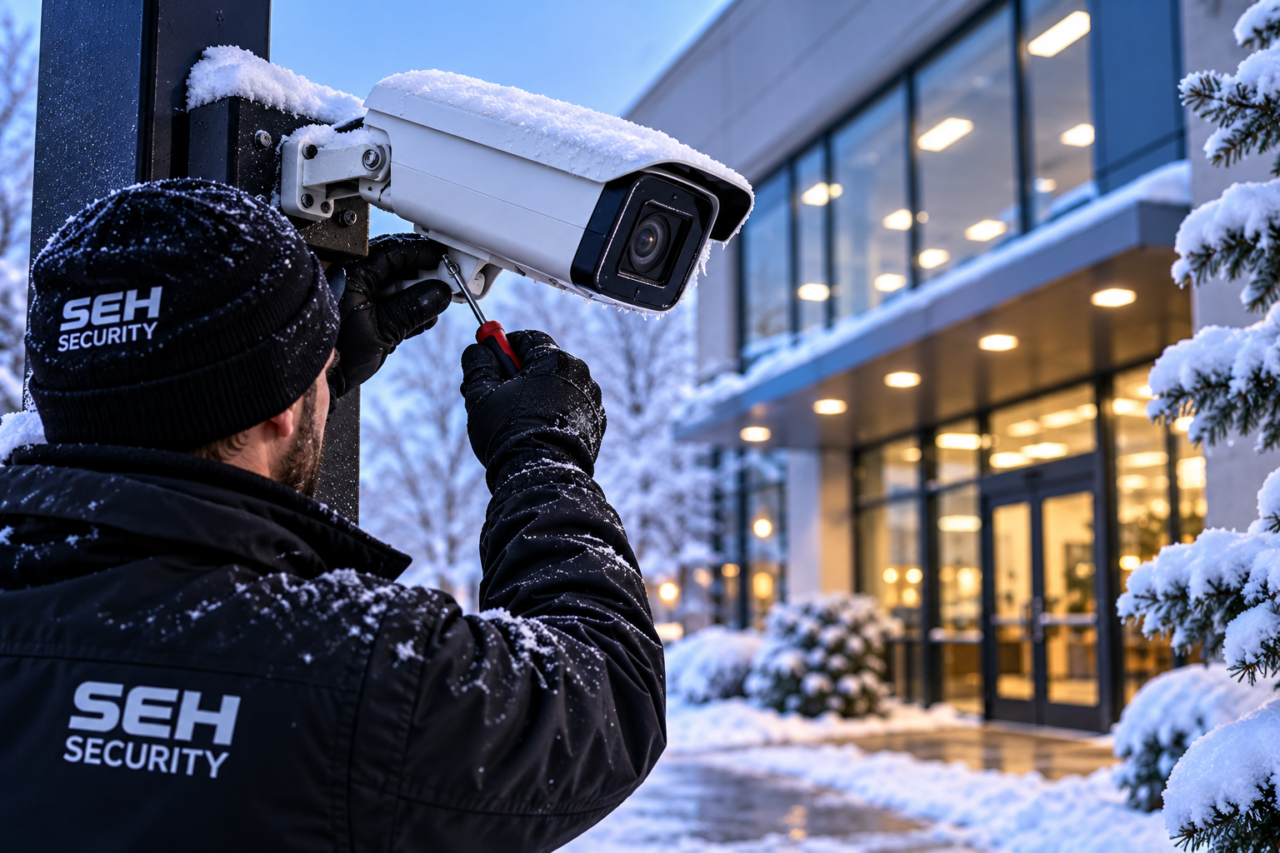
A camera that shows a clear daytime image may provide a different result after dark. Shorter days make fall a useful time for New Jersey businesses to review camera performance during the hours employees leave, deliveries arrive and the property is unoccupied.
Winter security camera maintenance should connect the physical camera with the recording, power and network equipment it depends on. Start with representative footage and a device inventory, then ask the installer to investigate any gaps. The aim is to confirm what your system can capture under real site conditions.
Define what each camera is supposed to show
List the camera location and its intended purpose: observing an entrance, reviewing activity at a receiving area or providing an overview of a parking section. Those are different tasks and may need different views.
Ask whether the current image supports that purpose. A broad overview may show that a person crossed an area without providing the detail needed for a closer review. Do not assume a higher megapixel label solves every placement or lighting problem.
Note changes to the scene, including vegetation, new fixtures and stored equipment. Give the installer a description of the activity you need to review rather than only a request for “better cameras.”
Review nighttime recordings rather than live views alone
Retrieve footage from after sunset at the site’s normal operating times. Where appropriate, arrange a routine authorized walkthrough and review the recording afterward. Check the view under the lighting conditions that actually exist.
Look for glare, a very dark entrance, motion blur or a washed-out foreground. Compare the result with the camera’s purpose and flag the issue for the installer. Settings that make a still image look brighter may not produce the same detail for a moving subject.
Verify the recorded timestamp and confirm you can export a sample clip through the approved process. SEH’s commercial security camera services can support a review of placement, recording and performance needs.
Identify dirt and reflections before assuming equipment failure
An unclear night image can have several causes. Manufacturer guidance from Axis explains that infrared light can reflect from nearby surfaces or from water, dirt and other material on a dome, reducing image quality.
Its white paper on infrared reflections is useful background for that issue; it is not evidence that every installed camera uses the same design. Have the provider inspect the actual model and scene before recommending a change.
Follow the installed product’s cleaning and service instructions. Avoid abrasive materials, unapproved coatings or opening a sealed housing as a general maintenance shortcut. Arrange professional access for cameras that cannot be reached safely.
Check outdoor specifications and mounting conditions
Ask the installer to verify the model’s operating temperature range, environmental rating and installation requirements. “Outdoor camera” is not a complete specification for every location or winter condition.
Have accessible signs of damage documented: a loose mount, damaged cable protection or visible moisture concerns. Inspection and repairs should be performed by the appropriate professional, especially where height, electrical equipment or sealed components are involved.
If a device repeatedly fails in colder weather, keep the time and symptoms for the service review. The cause may involve equipment, power, connections or the environment; the temperature alone does not establish a diagnosis.
Include the network and power equipment in the review
The camera is one part of the path to a usable recording. Ask which switches, power supplies, recorder and storage devices support the areas being reviewed. Identify the equipment responsible for any cameras that repeatedly go offline.
Discuss the installed backup-power arrangement and what it actually supports. A battery on one component does not establish that the whole video system will continue operating during an outage.
Any restart or outage test should be planned with the responsible team so essential coverage is managed during the test. Have the provider document the equipment involved and the result rather than disconnecting devices casually during business operations.
Confirm storage and authorized remote access
Review the recording schedule and the footage available under the current configuration. Retention depends on storage, settings and use; do not assume the system provides the same number of days after adding cameras or changing image settings.
Ask the authorized staff to retrieve and export a recent recording. That exercise checks a practical task the business may need later. Follow the organization’s rules for storing and sharing the exported file.
Review remote accounts with the system administrator. Remove unnecessary access through the approved process and use supported account protections. Confirm who may view footage and who may change settings.
Turn the findings into a targeted service request
Prepare a camera list with the issue, a sample recording where appropriate and the conditions when it appears. Separate cleaning or adjustment needs from confirmed hardware or infrastructure problems.
For example, report “the entrance recording becomes washed out after the exterior light turns on” rather than assume every camera needs replacement. Specific observations help the installer narrow the review and propose work tied to the site’s needs.
Ask what will be checked after service. The completed work should be verified using recorded footage under relevant conditions, not solely a daytime glance at the live screen.
SEH Security installs commercial cameras and related low-voltage security systems in New Jersey, New York and Pennsylvania. Request a site walkthrough or call 732-506-2260 to discuss camera performance before winter.
Frequently asked questions
Why can a security camera look clear during the day but poor at night?
Lighting, motion, reflections and the camera’s configuration can affect the recorded image differently after dark. Review nighttime footage and have the installer assess the actual scene.
Does a working live view prove footage is being recorded?
No. Check playback, recording schedules and a sample export to confirm the recorder is producing usable footage under the current settings.
Should every outdoor camera be replaced before winter?
No. Review the model’s specifications, installation and actual performance first. Cleaning, adjustments or infrastructure repairs may address an issue without replacing the camera.

